كتبتها بلغة غلط؟
حس يرجّعها بضغطة.
Typed it in the wrong layout?
Hess flips it back.
نفس الأزرار، لغتين. حس يعرف أي زر ضغطت، فيرجّع الجملة للغة اللي كنت تقصدها، في مكانها، في أي برنامج. Same keys, two alphabets. Hess knows which keys you pressed, so it rewrites the sentence in the language you meant, in place, in any app.
كل زر عليه حرفين. لو كان الكيبورد على اللغة الثانية، حس يعرف الحرف اللي كنت تقصده. Every key carries two letters. If the keyboard was on the other language, Hess knows the one you meant.
يشتغل بهدوء جنب الساعة. It sits quietly next to the clock.
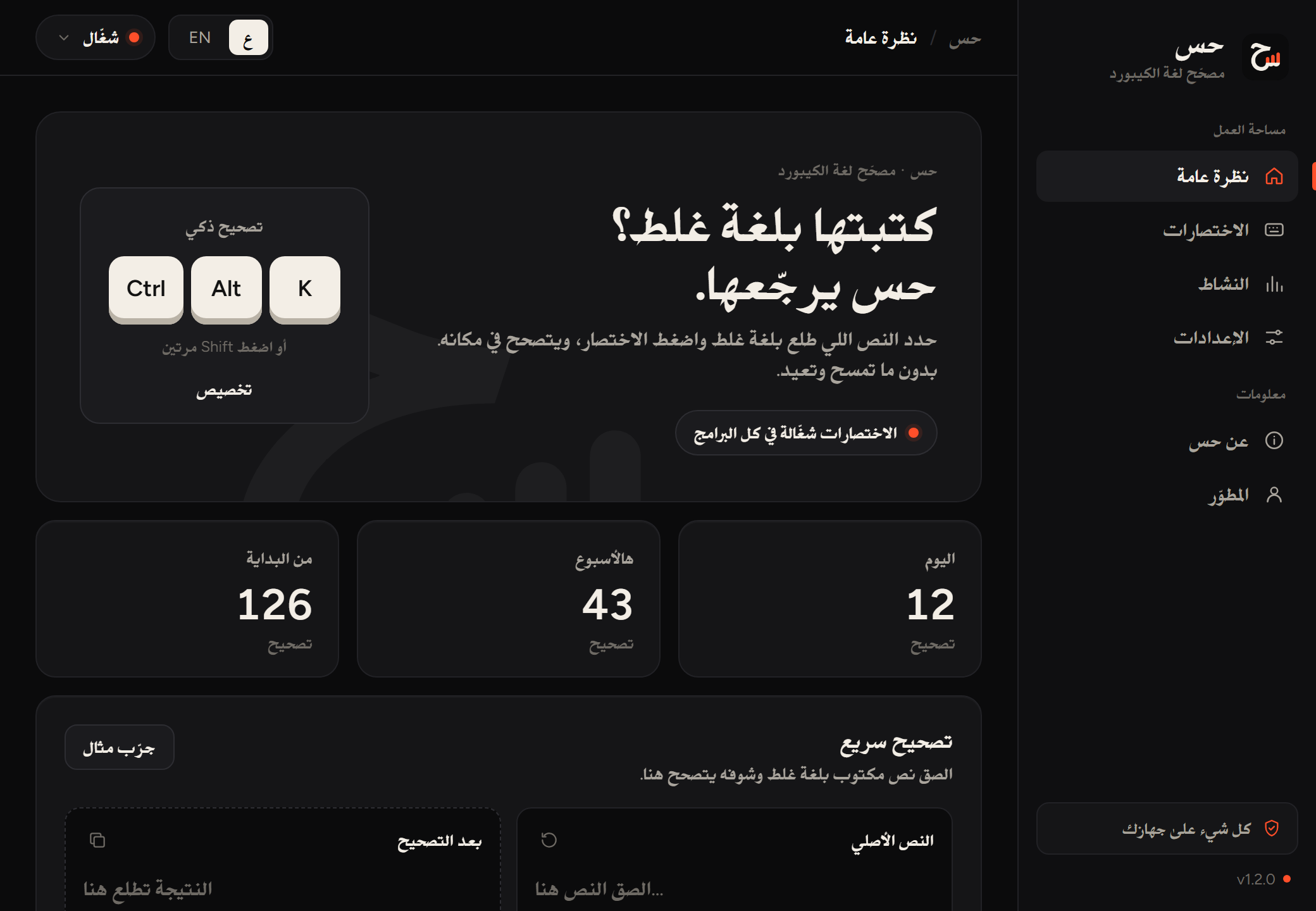
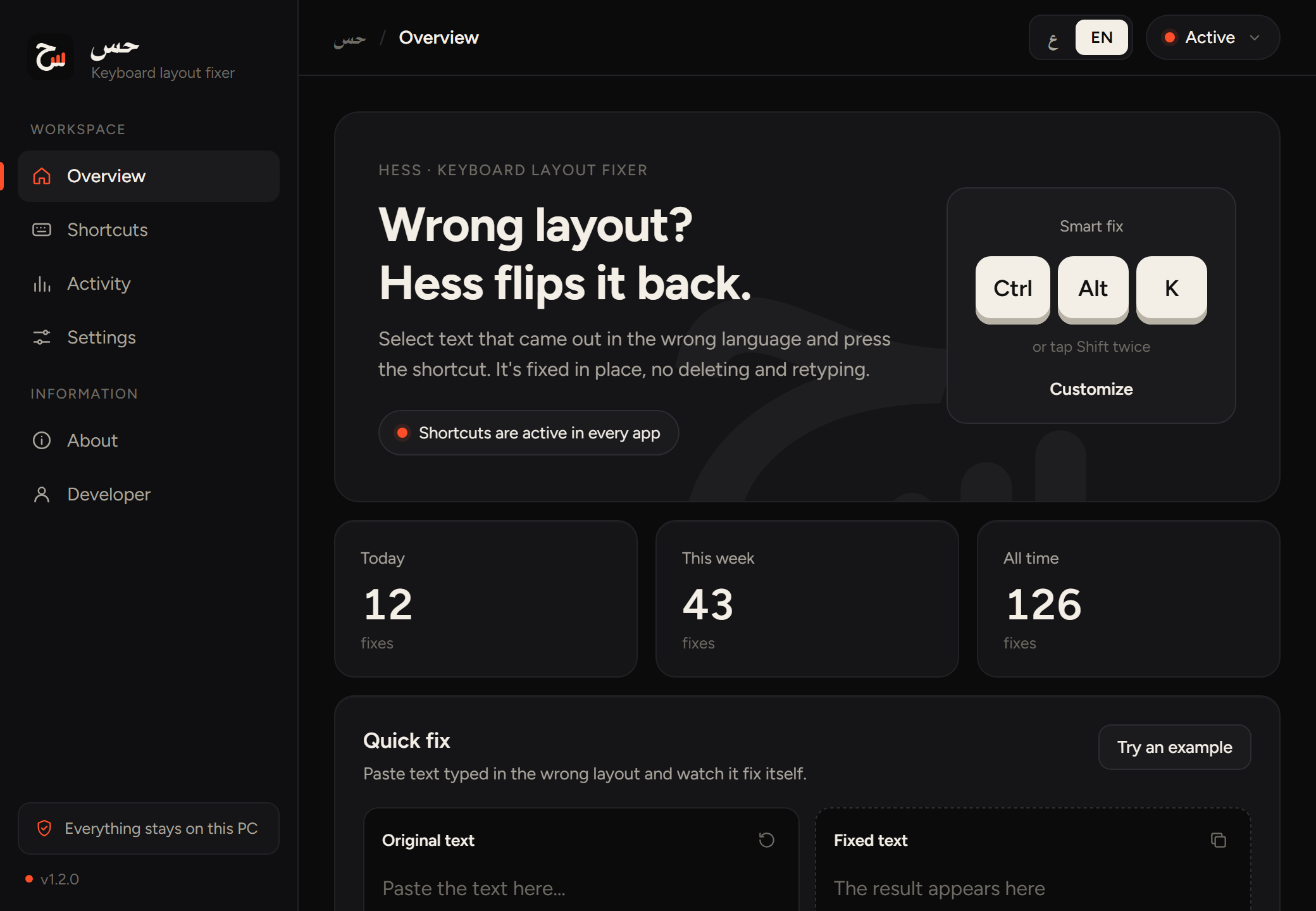
هذي شاشة حس الحقيقية. تشوف اختصارك وعدد التصحيحات (الأرقام للتوضيح)، وتجرّب تصحيح أي نص بنفسك. This is the real Hess window: your shortcut, how many fixes it made (sample numbers), and a box to try any text yourself.
 Hess
Hess
اضغط Shift مرتينTap Shift twice
ما تبي تحفظ اختصار؟ ضغطتين سريعة على Shift تصحّح السطر اللي كتبته، حتى بدون ما تحدده. Don't want to learn a shortcut? Two quick taps on Shift fix the line you just typed, no selection needed.
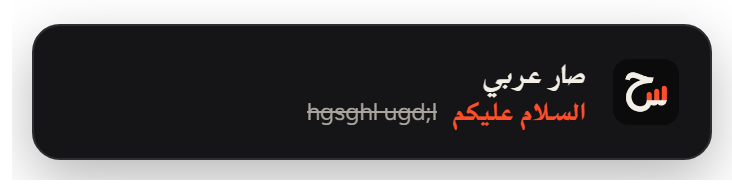
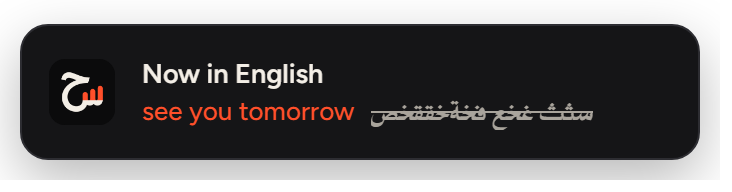
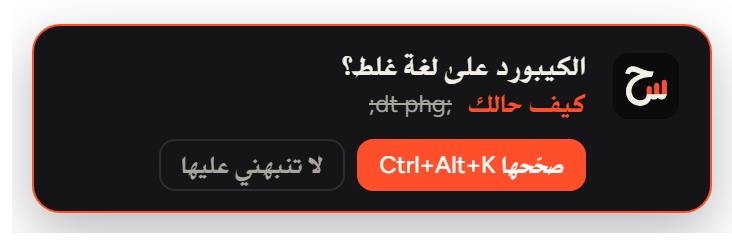
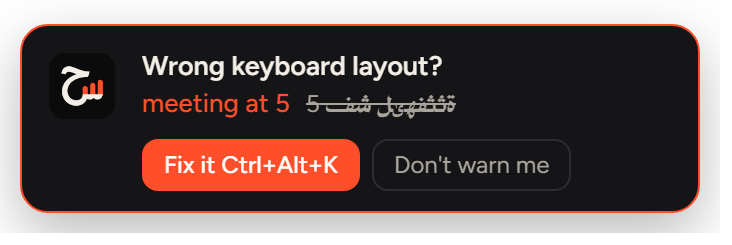
ينبهك قبل ما تكمل الجملةIt warns you mid-sentence
إذا لاحظ إنك تكتب بلغة غلط، يطلع لك هذا التنبيه. اضغط «صحّحها» ويتصلح، أو قل له لا ينبهك على كلمة معيّنة. When it notices you typing in the wrong layout, this notice appears. Click "Fix it", or tell it never to flag that word again.
لغة لكل برنامجA language for each app
الطرفية دايمًا إنجليزي، واتساب دايمًا عربي. أول ما تفتح البرنامج يتحوّل الكيبورد لحاله. Terminal always in English, WhatsApp always in Arabic. The keyboard switches the moment the app comes to the front.


١٢٣ ↔ 123١٢٣ ↔ 123
رقم جوال أو آيبان بالأرقام الهندية والنموذج ما يقبله؟ Ctrl+Alt+N ويتحوّل. A phone number or IBAN in Arabic-Indic digits that a form won't accept? Ctrl+Alt+N converts it.
التثبيت، وتنبيه ويندوزInstalling, and the Windows warning
-
حمّل الملف وافتحهDownload the file and open it Hess_1.2.2_x64-setup.exe · 2.1 MB
-
اضغط More info ثم Run anywayClick More info, then Run anyway ويندوز يطلع هذي الرسالة لأي برنامج جديد ما عليه توقيع مدفوع. Windows shows this for any new app without a paid signing certificate.
-
خلاص، جرّبهDone, try it حس يظهر عند الساعة. اكتب شيء بلغة غلط واضغط Ctrl+Alt+K. Hess appears by the clock. Type something in the wrong layout and press Ctrl+Alt+K.
شكل الرسالة بعد ما تضغط More info (توضيح).What the message looks like after More info (illustration).
آمن؟ كل شيء يصير على جهازك: بدون حسابات، وما يحفظ ولا يرسل أي حرف تكتبه. والتحديثات موقّعة ويتأكد منها قبل ما تتثبت. Safe? Everything happens on your PC: no accounts, and nothing you type is stored or sent. Updates are signed and checked before they install.
مجاني. بدون حساب. وما عاد تمسح جملة كاملة عشان الكيبورد كان على اللغة الثانية. Free. No account. And no more deleting a whole sentence because the keyboard was on the other language.